
Scanning Pencil Drawings: Where to Start
Want to learn about scanning pencil drawings and how to clean up a scanned drawing?
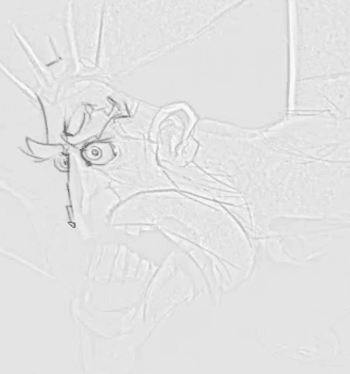
Start off your drawing from a scan that you have created beforehand.
In this step you just want to try and follow the major landmarks for the piece, because you will be painting over it later on.
To put it another way. you’re just marking out the major parts of the drawing that you’ll want to focus on later.
Working with Layers
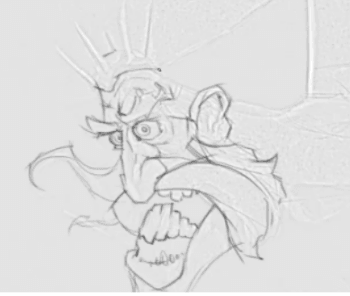
While you are working in Photoshop and learning about scanning pencil drawings, make sure that you are using a separate layer as shown in the video so that later on you’ll be able to work with this layer independently.
While you are going over your original scanned drawing, it’s a good opportunity to take another look at the piece and make any changes that may be needed.
Flipping your Canvas
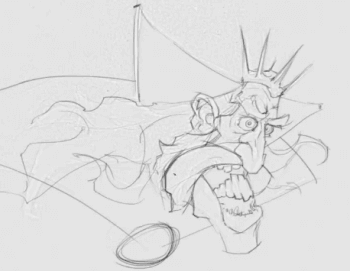
While you are learning about scanning pencil drawings, it’s a great practice to flip your canvas from time to time so that you can see your drawing from another angle and fix up any mistakes that might have been missed with the original drawing.
You can do this at any step of the drawing process, and while you are working digitally it’s so easy to flip the canvas any number of ways without degrading the image, so there’s no reason not to do this – take a look, adjust if needed, and then flip back to the original orientation of the drawing.
Final Result
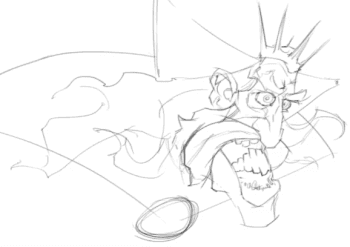
Once you have finished drawing over the original sketch you should be left with something like this.
You don’t need to spend a huge amount of time on this step – it’s just to give you a foundation and another opportunity to adjust anything that might need tweaking from the initial sketch.
Now that you’ve learned all about scanning pencil drawings and cleaning up line art digitally, you should be left with a nice line drawing to work from. In the next lesson you’ll jump right in and start to color the king.
Go to the Pencil King Digital Painting video course